
Modular Storage System
A shared storage network you craft in survival. No mod to install. Store items on disks, search them from a terminal, and move them in and out of chests and furnaces.
What you use it for
Modular Storage System is already on the PixelGrew server. You craft the blocks yourself and connect them into your own network. Other players cannot open it unless you let them.
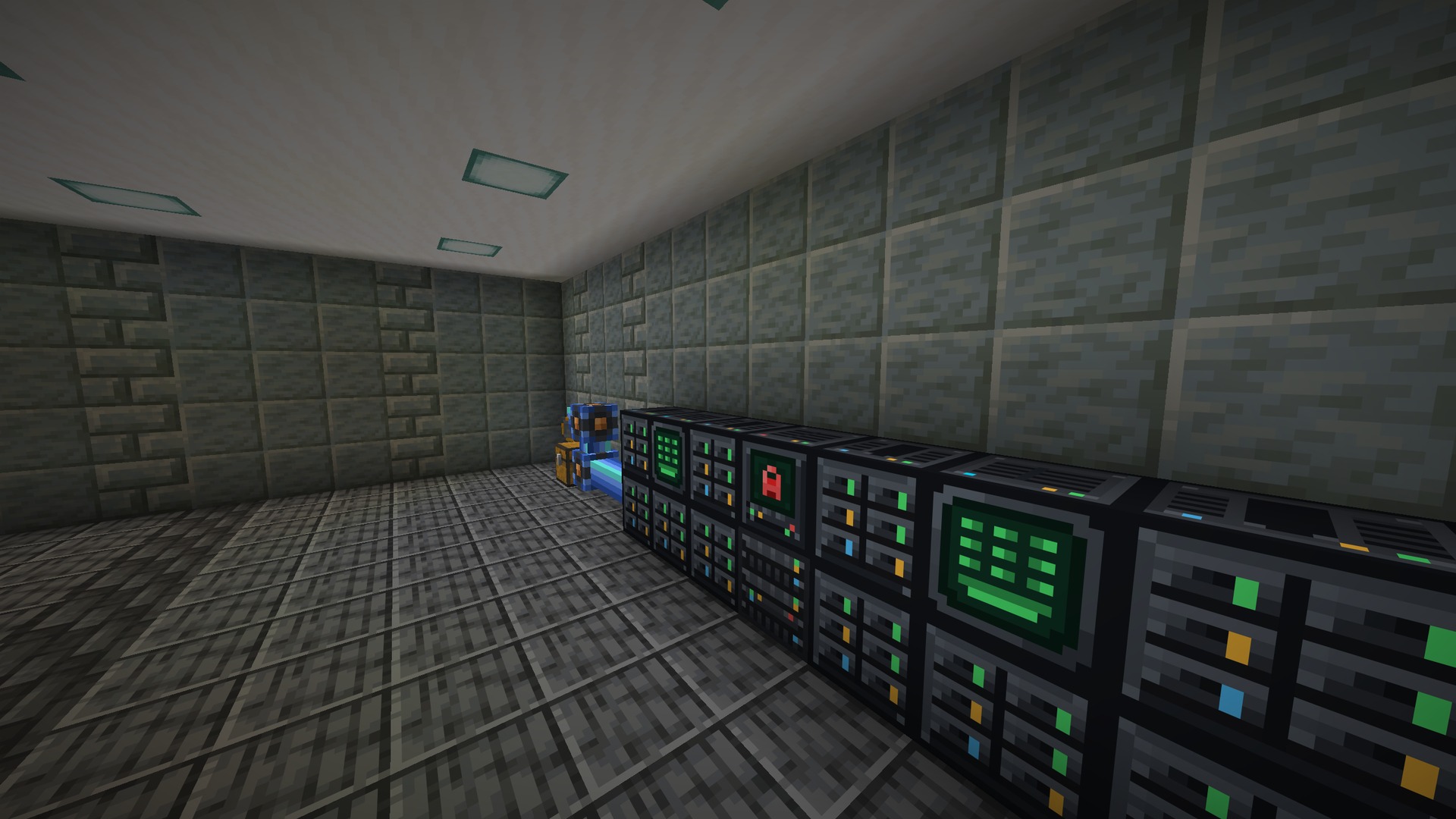
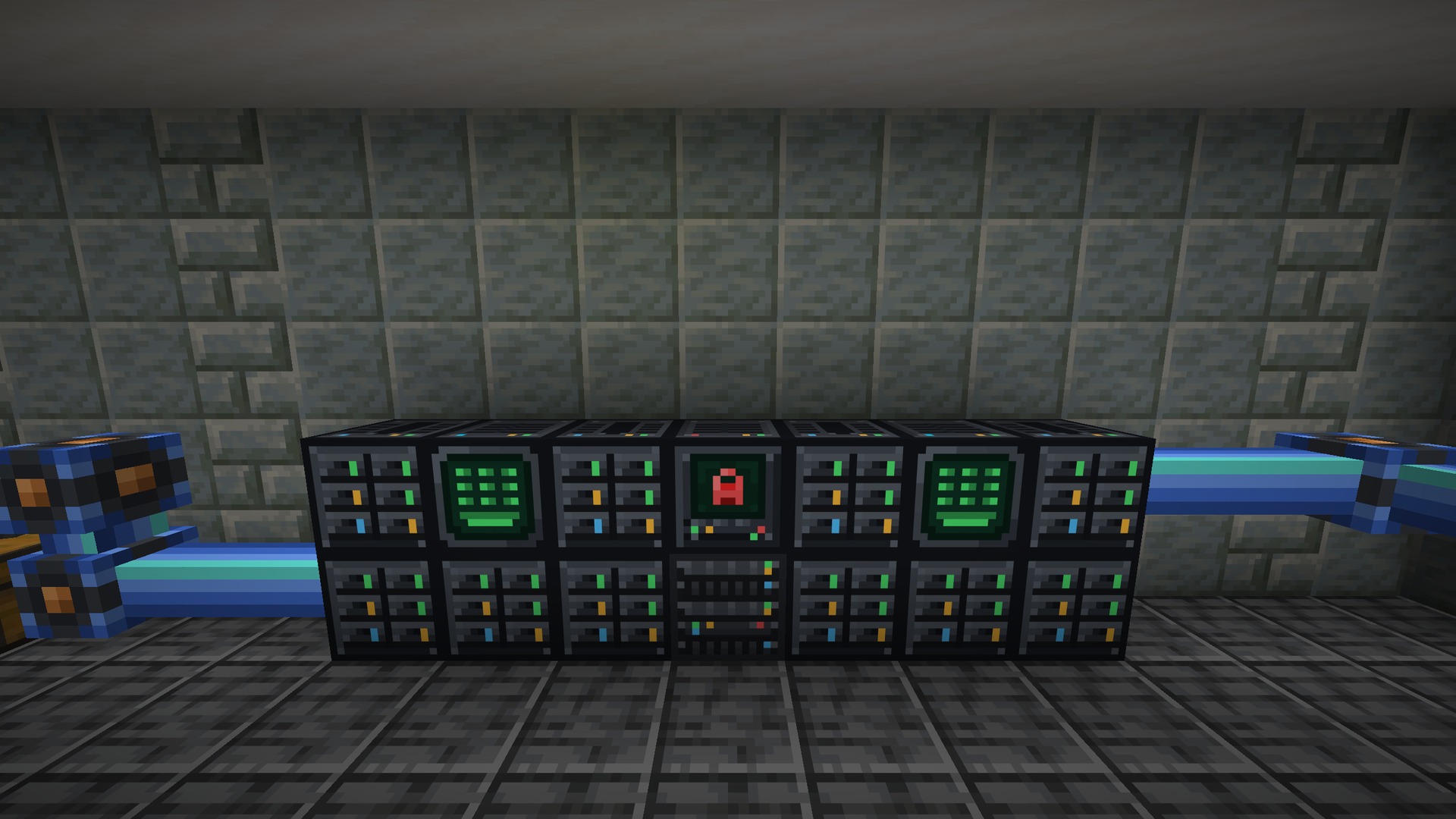
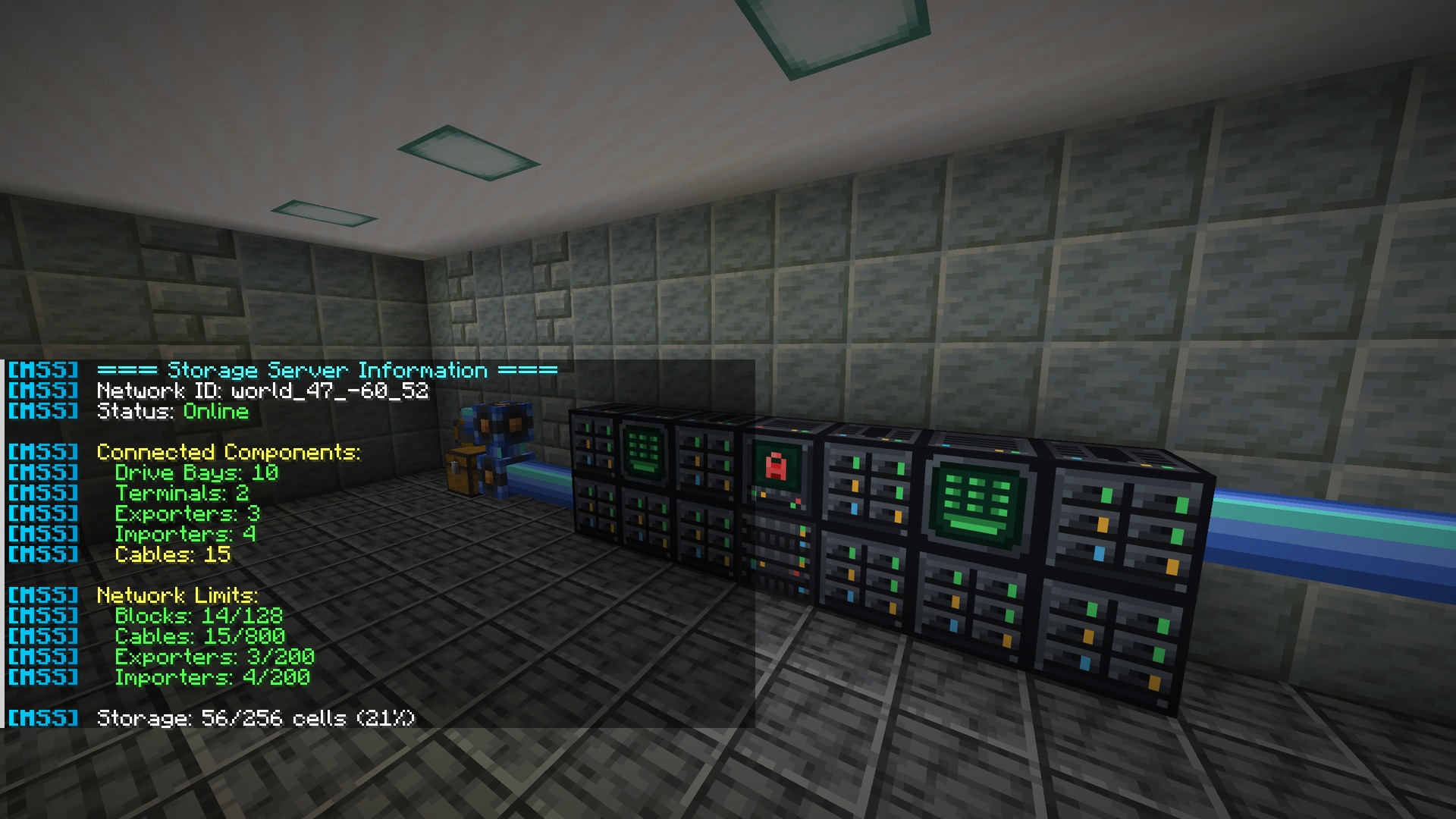
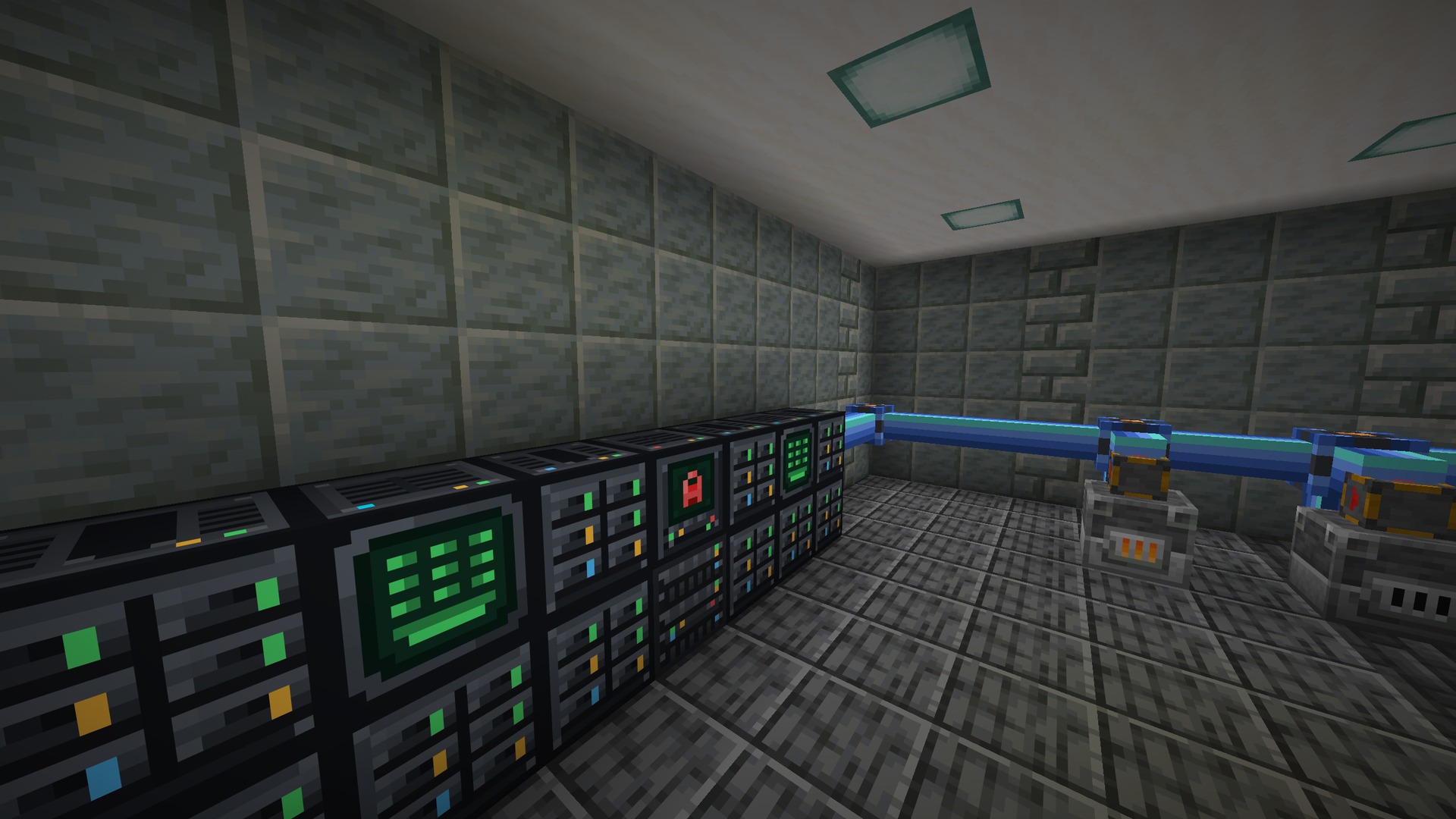
A network has one Storage Server. Drive Bays hold the disks. A Terminal is the screen you search. PoE Cables reach blocks that are not touching the server.
Set up a network
- Craft a Storage Server and place it. Each network has exactly one.
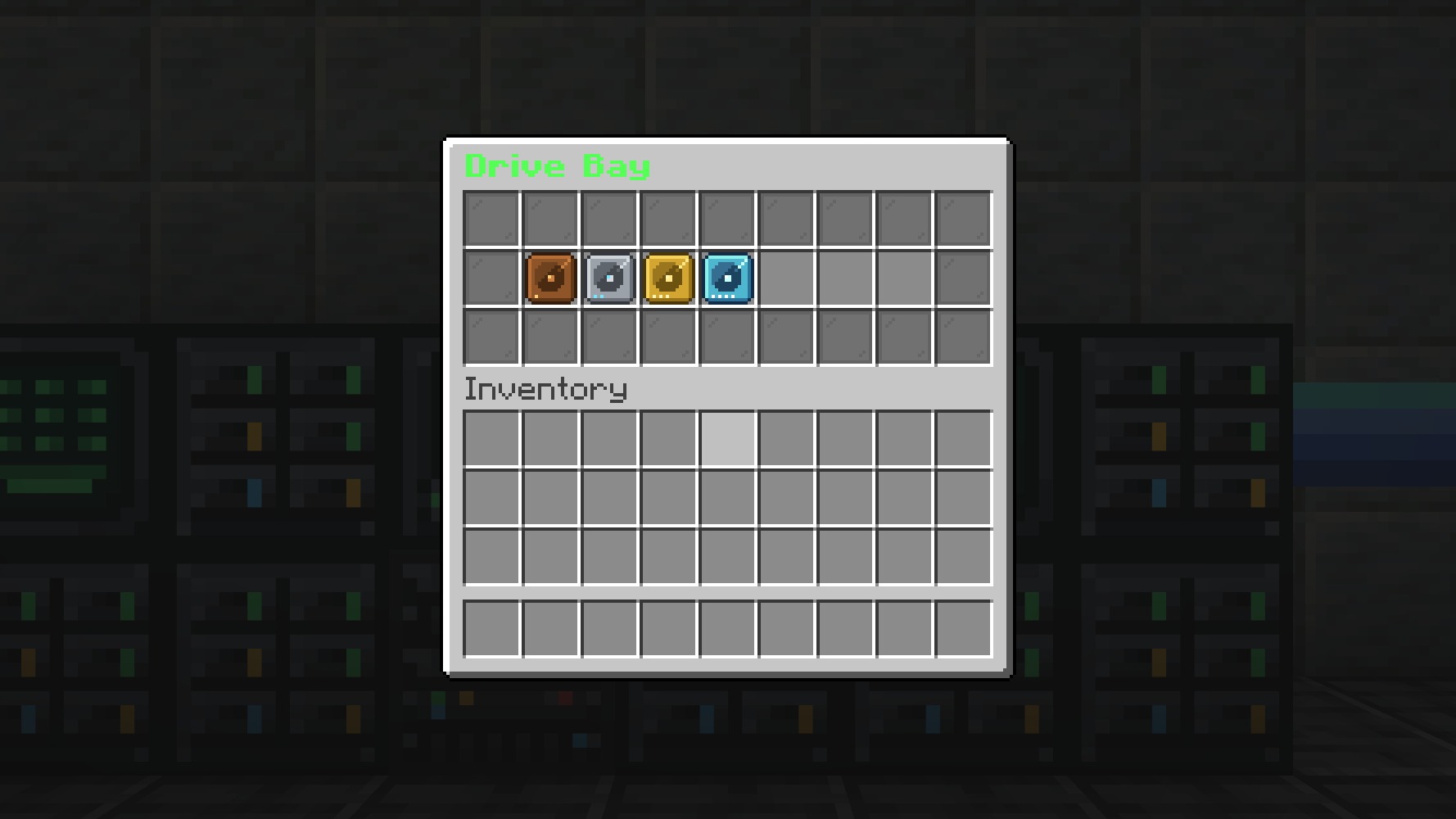
- Place a Drive Bay against the server and put storage disks in it.
- Place a Terminal against the network and right-click it to open your items.
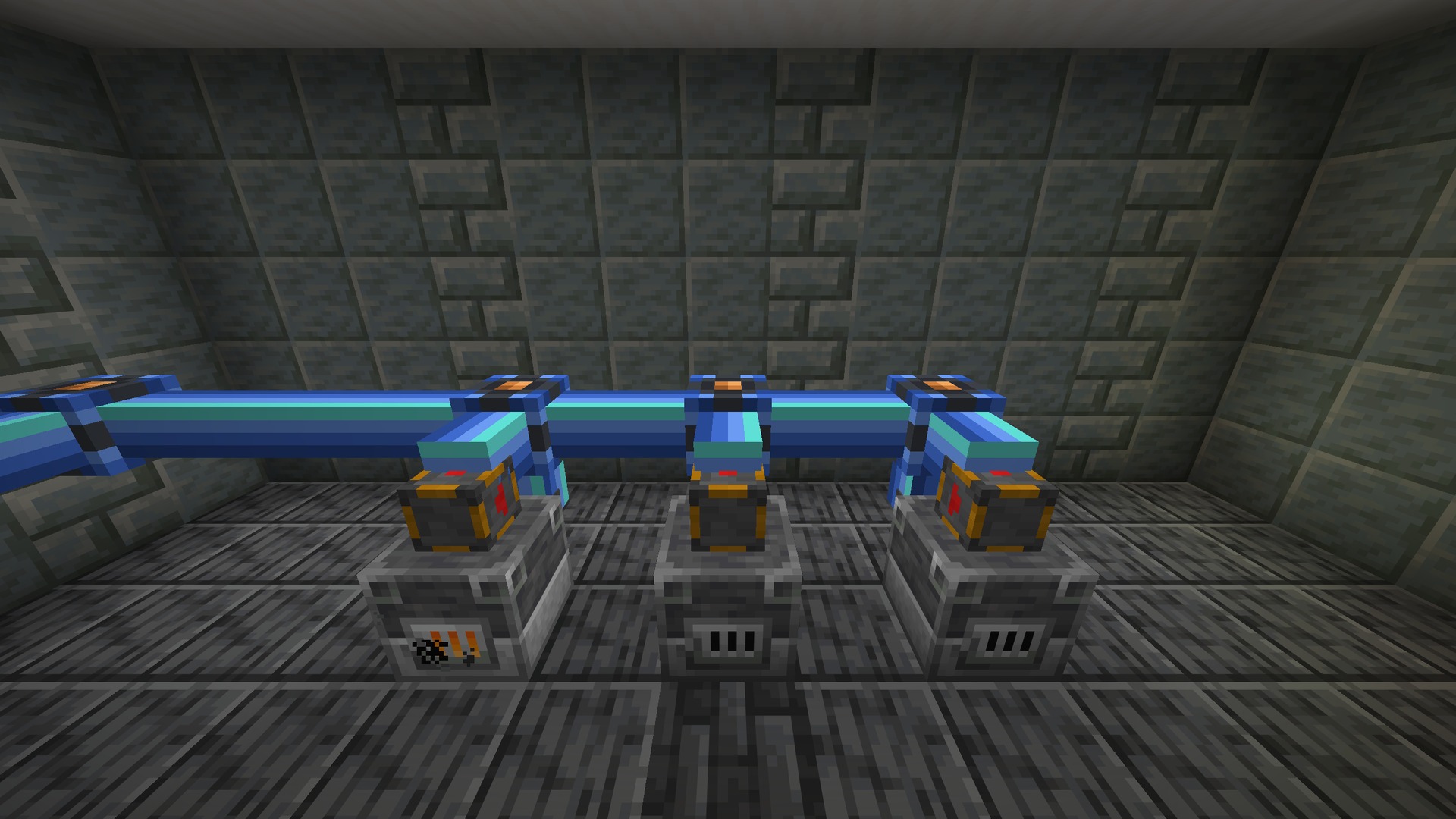
- Run PoE Cables when a block cannot touch the server, then attach Importers and Exporters to chests or furnaces.
Disks
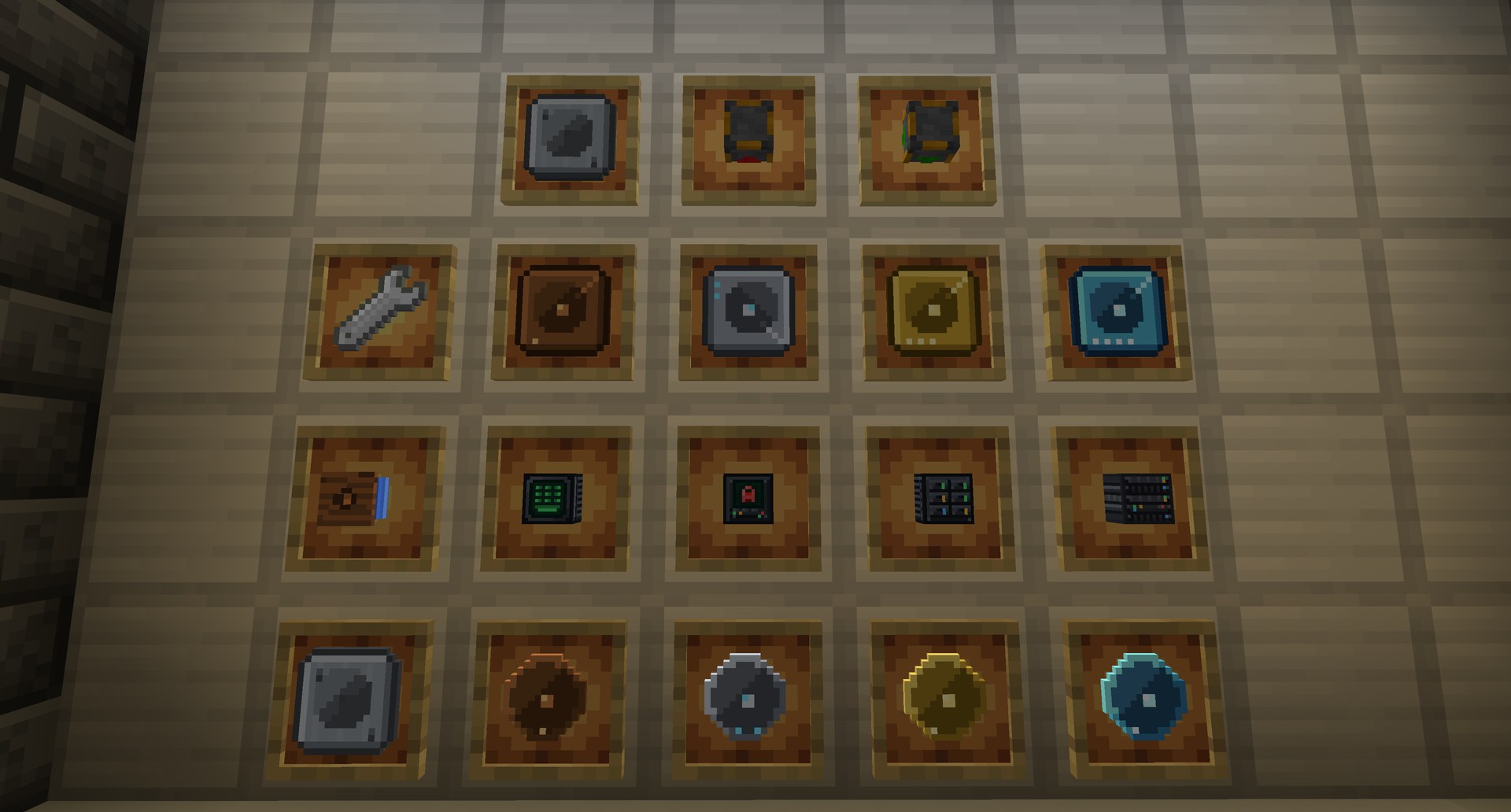
Disks come in four sizes: 1k, 4k, 16k, and 64k. A 64k disk holds up to 520,192 items. You can pull a disk out and put it back while the network is running.
Craft a disk on its own, or craft a Disk Housing and a matching Platter and combine them. The tooltip shows the tier, how full it is, and who crafted it. Shift-right-click an empty disk to turn it back into its parts.
The terminal
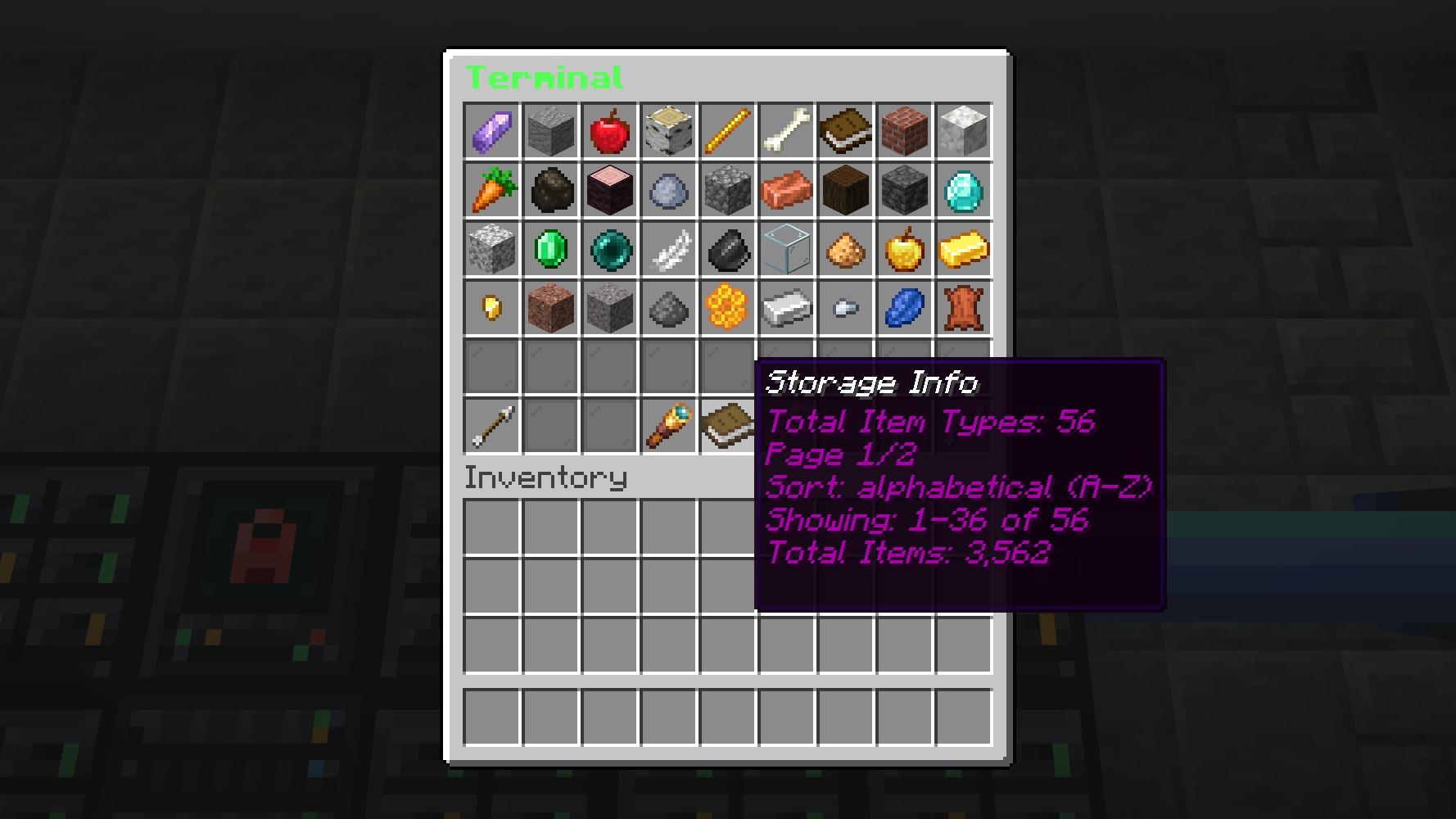
Right-click a Terminal to see everything on the network. Search by name, sort by name or amount, shift-click to dump items in, and click to take items out. The terminal keeps your search until the server restarts.
Importers and exporters
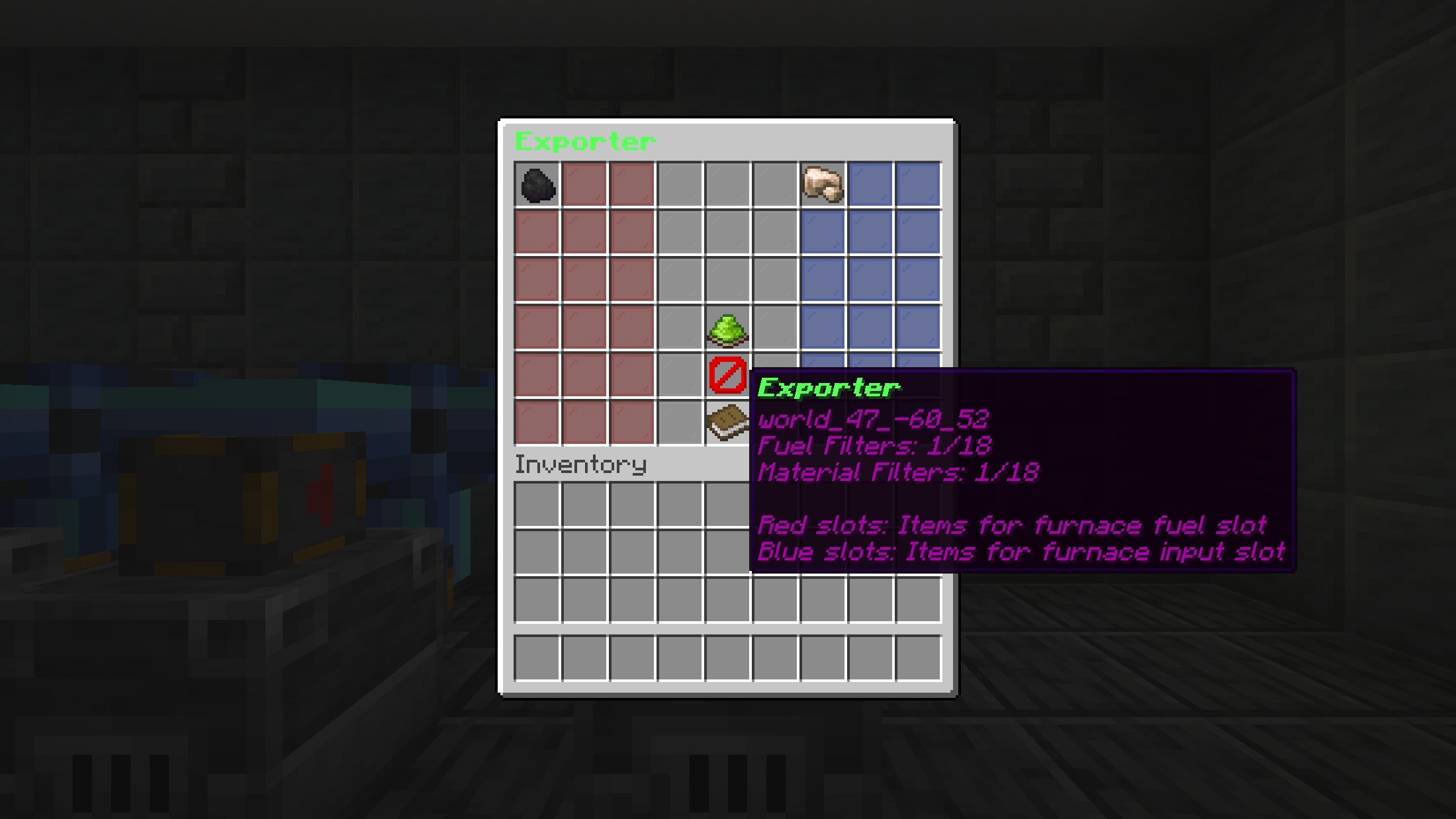
Place an Importer or Exporter on a container, connect it with a PoE Cable, then right-click it to set a filter. An importer with no filter takes everything. An exporter only puts out the items in its filter.
- Chests, barrels, hoppers, and shulker boxes: the importer pulls items in, and the exporter pushes filtered items out.
- Furnaces, blast furnaces, and smokers: the importer takes the result. It can also bottle the furnace's XP and pull empty buckets out of the fuel slot. The exporter fills fuel and input from separate filters.
- Brewing stands: the importer takes finished bottles, and the exporter fills the ingredient, fuel, and bottle slots separately.
Keep it yours
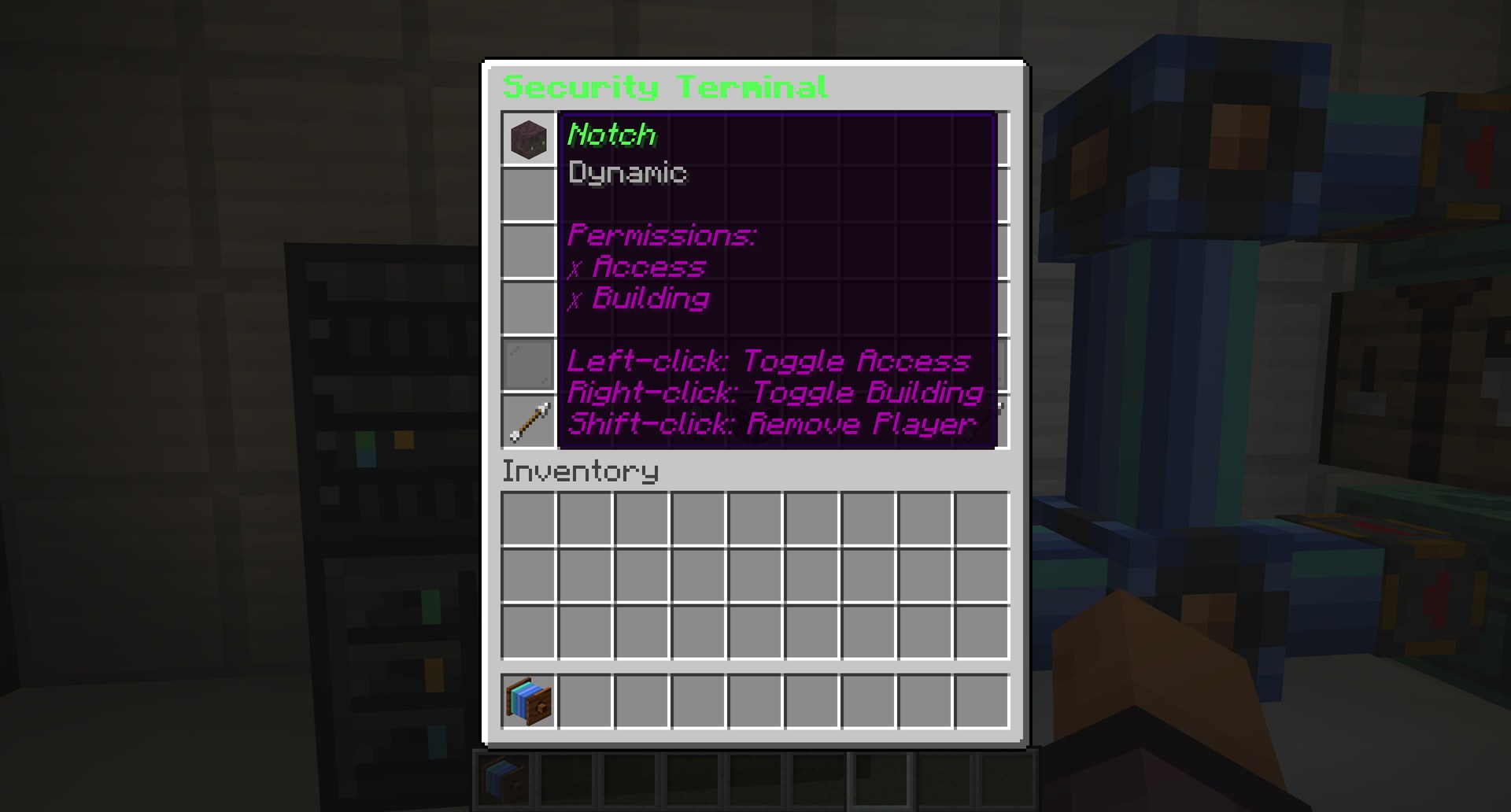
A network with no Security Terminal is open to anyone who can reach a block. Place a Security Terminal to lock it to you. From that screen, trust other players and choose whether they can open the blocks, build on the network, or both.
You still need to be allowed to build where the blocks stand. You cannot cable into someone else's network on land you cannot build on.
Picking blocks up
Craft an Iron Wrench. Shift-right-click an MSS block to pick it up. If the server's resource pack is on, a normal right-click rotates a Server, Drive Bay, or Terminal, and the cables show which way they connect.
Without that pack, the blocks and items still work. They just use their vanilla look, and the name on the item tells you what it is.
Pictures
Have a guide of your own? Share it here.